
Fix Computer Problems
Your computer won't turn on, keeps freezing, shows a blue screen or can't get online. These guides walk you through the most common computer problems and how to fix them. If a fix doesn't work, call (201) 400-0936 for remote or in-home computer repair.
Computer Won’t Boot Up SOLVED! – How to Fix a PC That Won’t Start or Boot
No Internet Access SOLVED! – Fixes for a PC With No Internet Connectivity
Frozen Computer Screen SOLVED! – What to Do for an Unresponsive, Frozen Screen
Frozen Computer Screen? Here’s What to Do When Your PC Stops Responding When your screen freezes, you need more than just the standard “turn it off and on again” advice. Here are some things you can try when your computer freezes – and some advice on how to prevent it from happening again. Immediate Steps […]
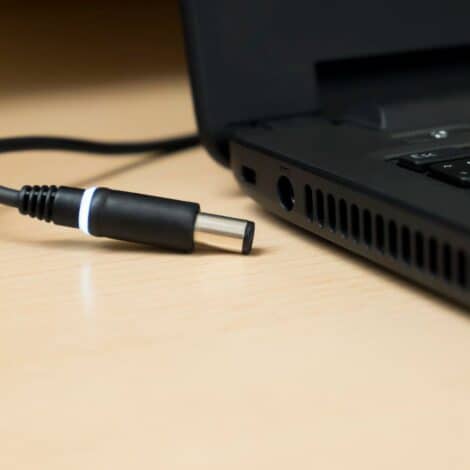
Computer Won’t Turn On SOLVED! – Fixes for a Dead PC Not Powering Up
Computer Won’t Power On? Here’s How to Diagnose a Dead PC Is your computer completely dead when you hit the power button? Here are some steps to help you diagnose why your PC won’t turn on – from simple power issues to more serious hardware failures. Quick Power Checks First Basic Power Tests: Verify outlet […]
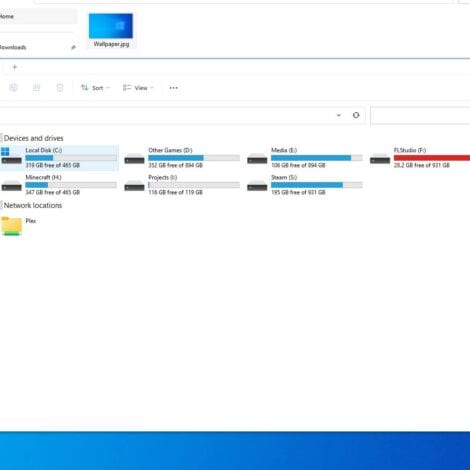
Steps to Fix External Hard Drives Not Showing Up on PCs
External Hard Drive Not Showing Up? Here’s How to Get it Working When your external drive isn’t appearing in Windows File Explorer, don’t panic – there are several common causes with straightforward solutions. Here’s a step-by-step troubleshooting guide to get your drive recognized and your important files accessible again. Physical Connection Checks Basic USB Troubleshooting: […]
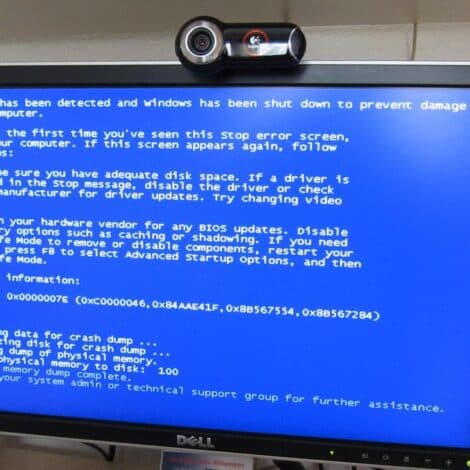
Common Computer Blue Screen Error Codes and Their Fixes
Resolving Annoying Windows PC Crashes, Freezes and BSODs
Why is My Laptop Battery Draining So Fast? Troubleshooting Tips