Windows & Mac Help (Page 3)
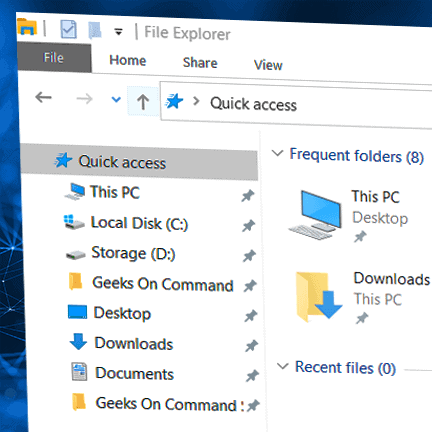
Find Your Lost Downloads Quickly on Mac OS – Here’s How
How to Change Display Brightness and Save Battery Life
How to Optimize Display Brightness and Maximize Battery Life Managing your display brightness effectively can significantly extend your laptop’s battery life while protecting your eyes. Whether you’re looking to improve battery performance or find the perfect brightness for your work environment, these settings and tips will help optimize your display. Quick Brightness Adjustments Windows Settings […]
How to Use Keyboard Shortcuts to Work More Efficiently
How to Transfer Files Between computers Using a USB Drive
Step-by-Step Guide to Transferring Files Between Computers Moving files between computers doesn’t have to be complicated. While professional data migration is recommended for large transfers or business data, here’s how to safely transfer files using a USB drive. Preparation Steps Choose Your USB Drive Select a drive with sufficient storage space Ensure drive is compatible […]
Should I Upgrade To Windows 11?
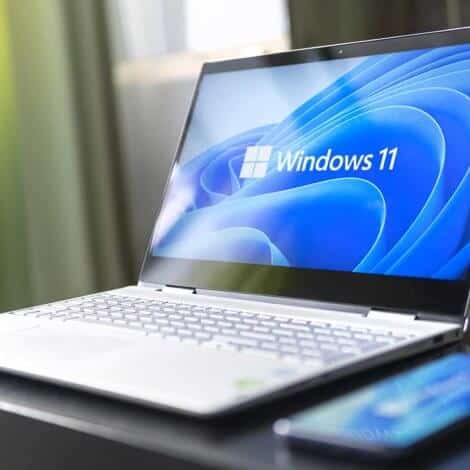
Should I Upgrade To Windows 11? Windows 11 is now available as a Windows update, and is showing up as a free upgrade to all users currently running Windows 10 operating system. What’s New With Windows 11? The biggest difference between Windows 10 and Windows 11 is its minimalist design that seems to mimic the MAC OS in many ways. Microsoft has simplified the interface quite a bit, making it seem cleaner and easier to use than previous Windows versions.
Which Email Should I Use?